


- District
- District
- Superintendent's Office
-
District Administration
- District Administration
- Curriculum and Instruction
-
Student Services
- Index
- Anti-Bullying Policy & Procedures
- Child Study Teams (CST)
- Community Partners
- Discrimination, Harassment & Retaliation Reporting Protocols
- District Coordinators for State and Federal Laws/Report Discrimination & Harassment
- District Program Guide
- Educational Stability
- ELL
- Guidance
- Health Services
- IAES/Educational Services
- INTERFACE Referral Service
- Presentation Resources
- Restraint Information
- Same and Different Curriculum
- Section 504 of the Rehab. Act, 504 Plans, Grievance Procedures
- Transition
- Westwood SEPAC Organization
- WPS/LU Collaborative Internship Program
- Equity, Integration & Community Partnerships
- Business Office
- Technology & Learning
- Human Resources
- School Committee
- New Families
- Staff
- COVID-19 Information and Resources
- High School
- Westwood High School
- About Our School
- Teaching and Learning
- Guidance Department
- Athletics
- Student Life
- For Parents
- Middle School
- Pre K-5
- Preschool
- Pine Hill School
- Downey
- Teaching & Learning
- Martha Jones
- Sheehan
- Programs
- Employment
- Quick Links




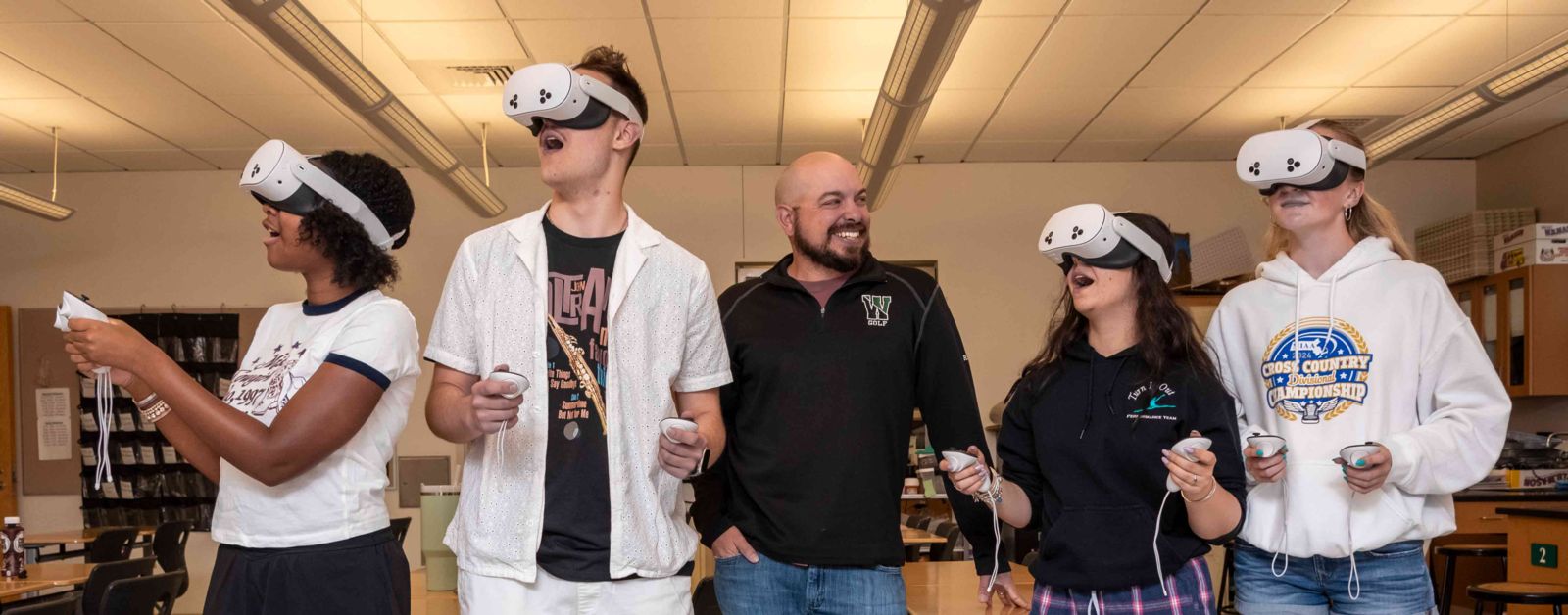
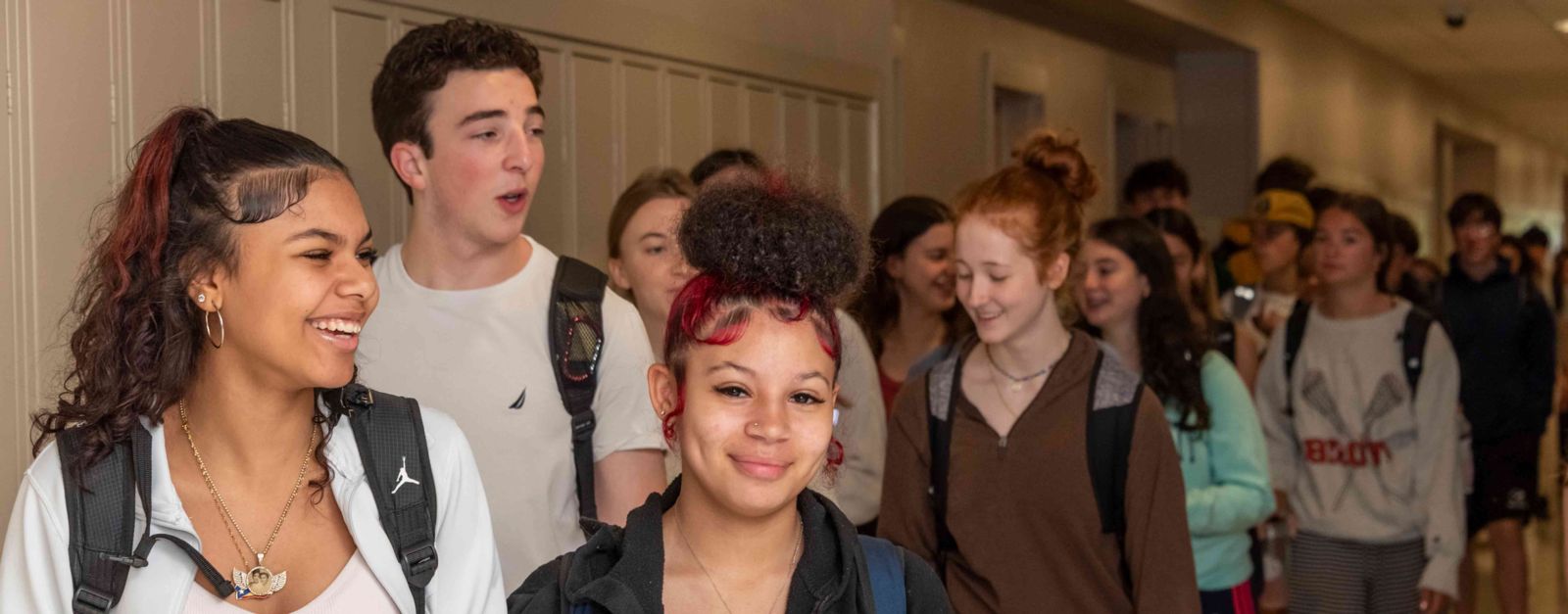


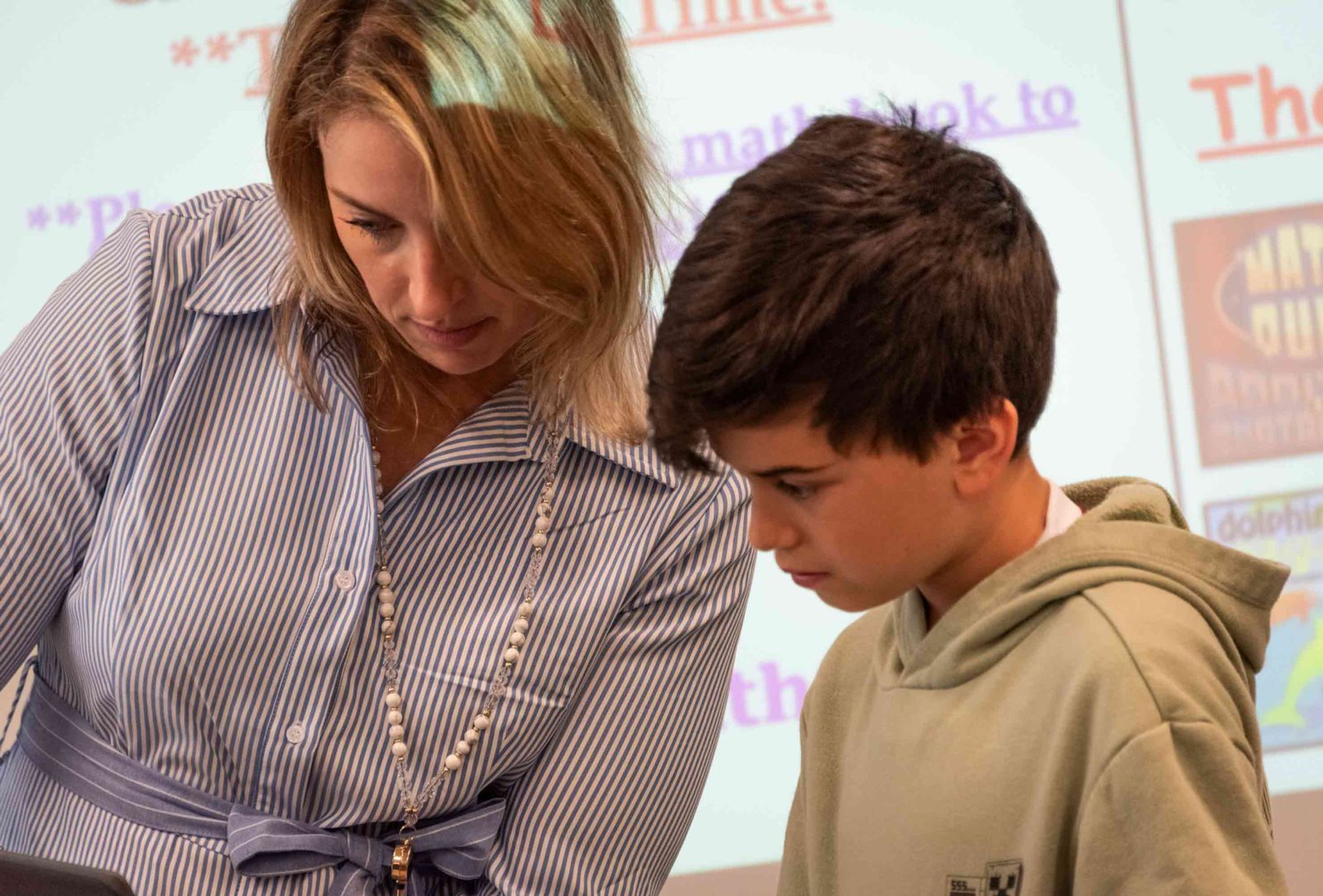

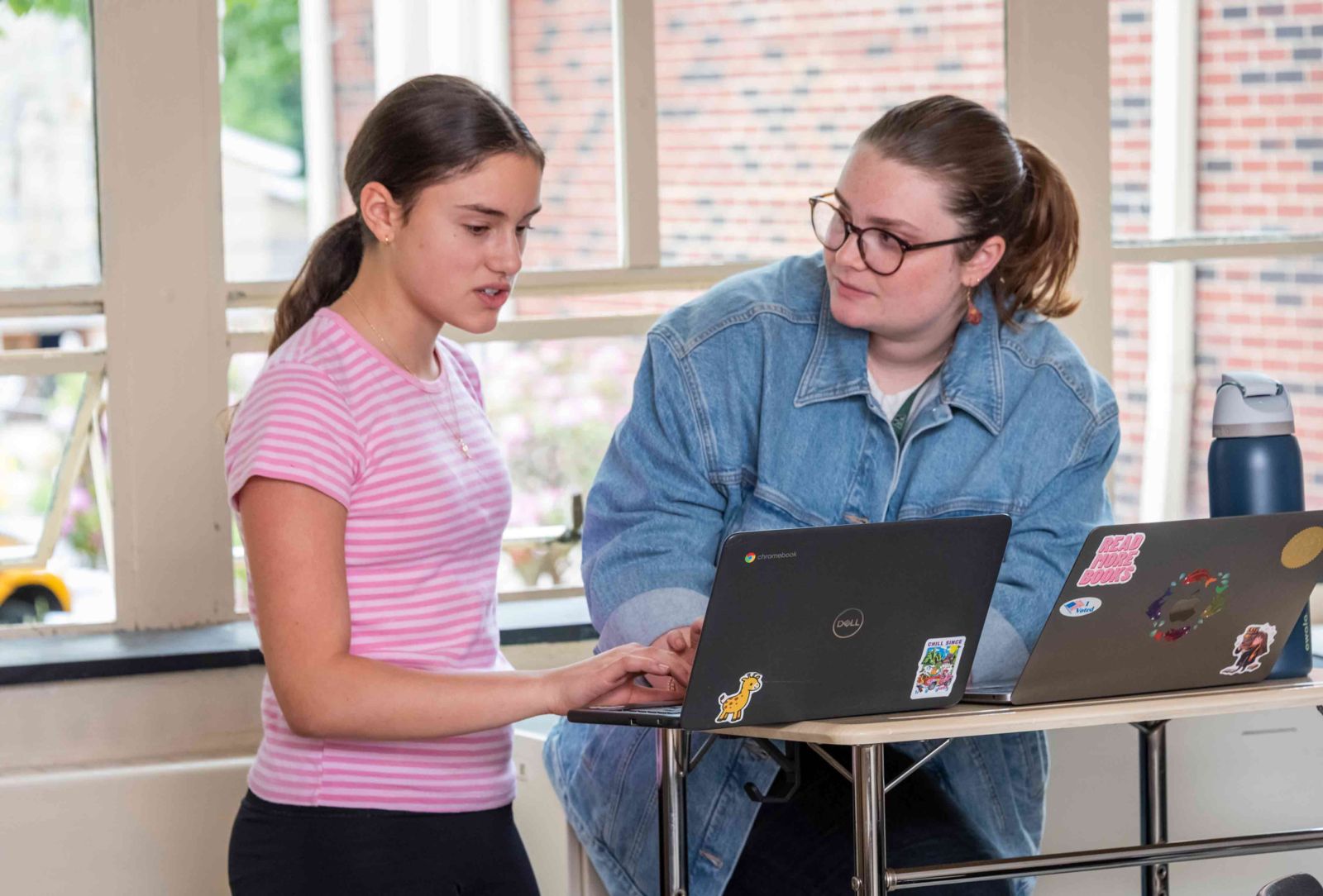
 Welcome to the Westwood Public Schools, where our work on behalf of ALL students is centered on our core values of academic excellence and a commitment to improvement, curiosity and tenacity, and respectful relationships in a caring and collaborative community. Throughout this website, you will learn about how we support our students both inside and outside of the classroom, and I hope that it will provide valuable information to our families and community members for learning about our district and how we can be connected to each other.